 Interior design
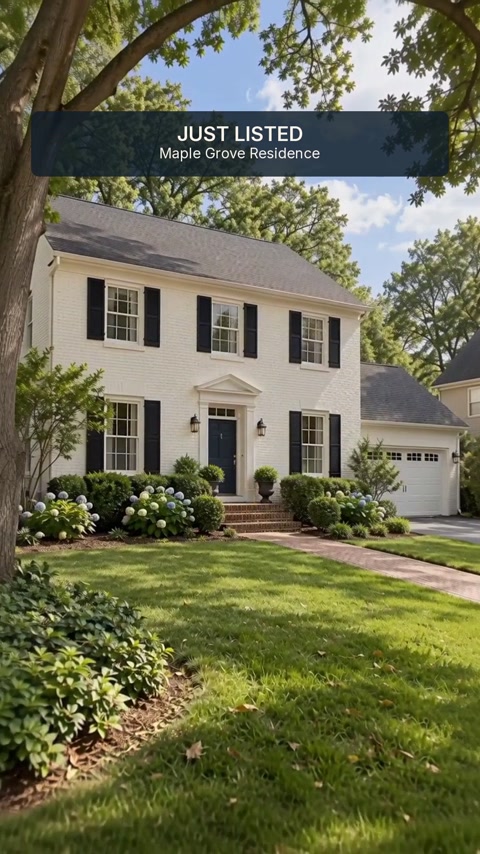 Real estate
 Renovation & kitchens
 Landscaping & gardens
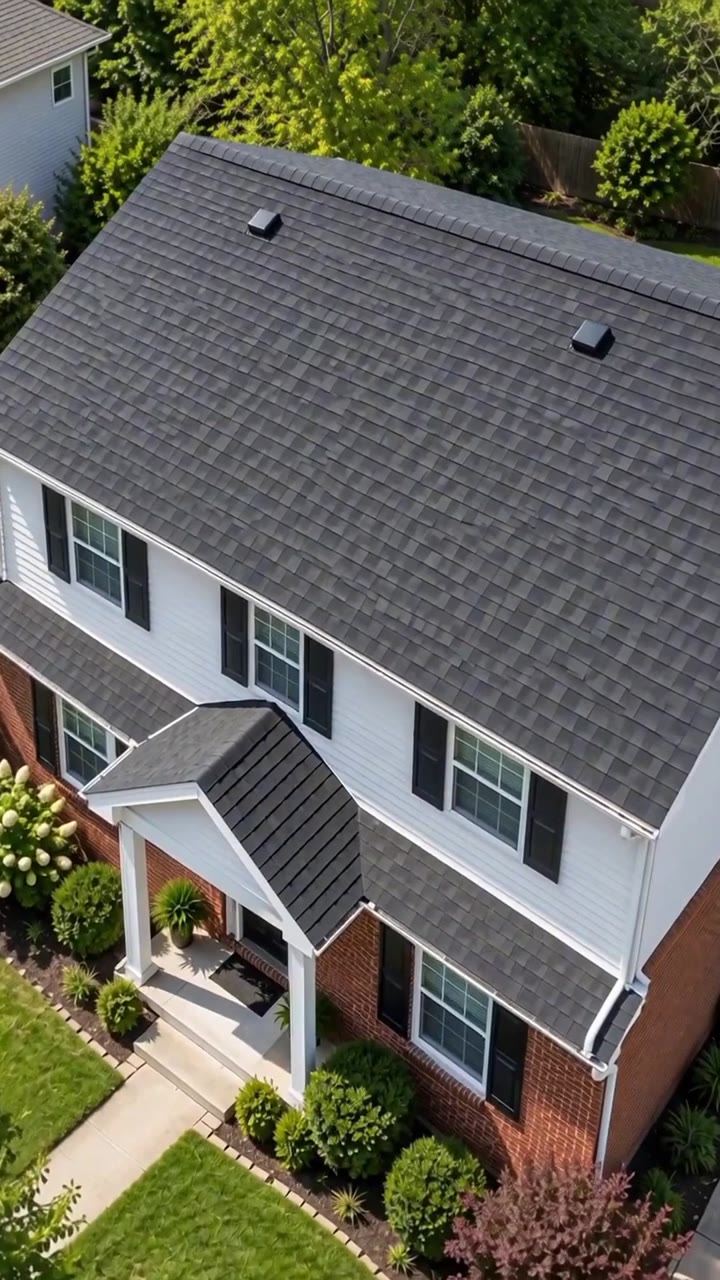 Roofing
 2
 3


Your brand on every video
Logo, closing line, call to action and contact details over the final seconds.
For interior design, renovation, outdoor and real estate
Pick your business and a style, add your photos. Upvizio plans, produces and edits a branded video, ready to publish.
How it works
Each trade gets its own styles, requested photos and suggested messages.
Up to nine photos you already have. Drag them into the order of the visit.
Confirm your settings and credits, then generate your video. Upvizio handles the scenes, motion and edit.
Styles
Styles by Upvizio. Videos made from your photos.
What you control
Logo, closing line, call to action and contact details over the final seconds.
9:16 for Reels, TikTok and Stories. 16:9 for your website, YouTube and listings.
Full edit, short hook and square for web, cut from the same approved shots, when the style allows.
Review your photos, branding and credit limit, then launch your video.
Styles are designed to preserve your architecture, materials and finishes.
Every project, photo and video stays inside your account.
In preparation: mood-based music library, your own audio, animated text hooks.
FAQ
No. You choose a style and add your photos; Upvizio prepares the motion, the edit and the final file.
Up to nine, in the order you choose. Some styles ask for specific photos, such as the empty room and the furnished proposal for home staging.
When you click Generate and Upvizio starts production. The credit limit is shown before you launch.
Yes. Every project and media file is isolated in your account.